Undervolting a computer can significantly reduce the performance and heat generated. My undervolting of MSI Modern 14 C13M.
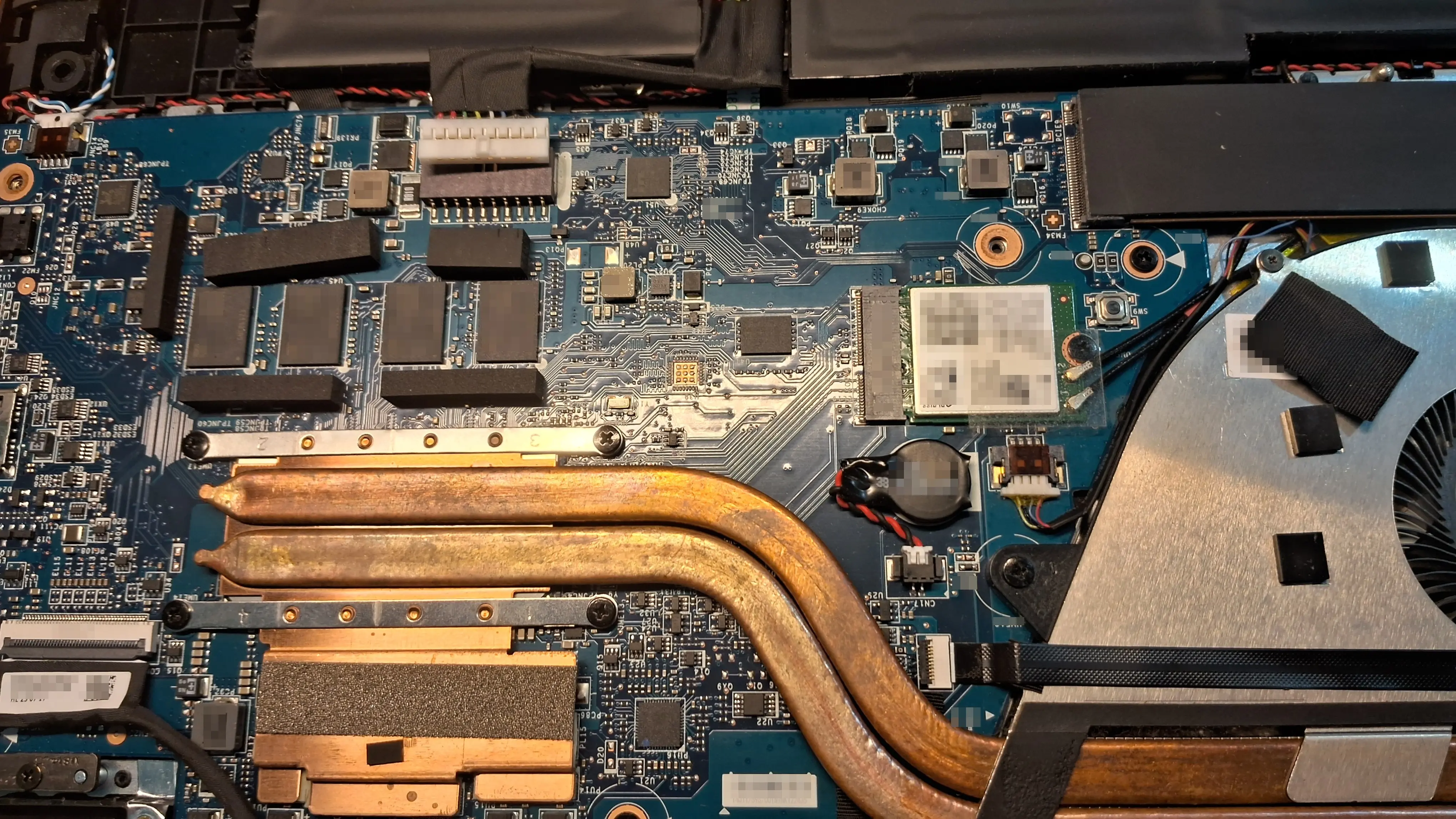
This laptop emits a lot of heat for how less things I do with it. On idle it sits around 50°C. If there is time where I need to compile something the temperatures go above and beyond 80°C, which is wild. Although, I understand the temp going up but for a laptop it shouldn’t go this high.
I wanted to control the heat from this laptop which lead to undervolting. I researched it well when I was doing it but only after a while did I got to understand that undervolting the CPU itself was not possible w/o bricking the system. Overclock is the other end of the spectrum which boosts the clock base speed. This in return gives maximum performance and a lot of heat. Overclocking reduces the life span of the CPU.
One effective way to control heat is to limit the power used by a computer. A low powered machine doesn’t require much energy. I tried running the below commands and for a moment everything was working normally until apps started freezing and opening apps took more time.
To check what are the numbers already set by the kernel run the below commands.
# Main package (usually the one that matters)
cat /sys/class/powercap/intel-rapl:0/constraint_0_power_limit_uw    # long-term (PL1)
cat /sys/class/powercap/intel-rapl:0/constraint_1_power_limit_uw    # short-term (PL2 burst)
cat /sys/class/powercap/intel-rapl:0/constraint_0_time_window_us

# Optional: energy used so far (for monitoring)
cat /sys/class/powercap/intel-rapl:0/energy_uj

# See live package power (install linux-tools if missing)
sudo pacman -S linux-tools
sudo turbostat --show PKG_Watts --interval 2 --num_iterations 5
To temporarily check if the modified values took place or not one can run below commands.
# Moderate – good balance (recommended starting point for Modern 14)
echo 28000000 | sudo tee /sys/class/powercap/intel-rapl:0/constraint_0_power_limit_uw
echo 35000000 | sudo tee /sys/class/powercap/intel-rapl:0/constraint_1_power_limit_uw   # short burst a bit higher

# More aggressive cooling / battery focus (very quiet, still usable)
echo 22000000 | sudo tee /sys/class/powercap/intel-rapl:0/constraint_0_power_limit_uw
echo 28000000 | sudo tee /sys/class/powercap/intel-rapl:0/constraint_1_power_limit_uw

# Ultra conservative (max battery, very low heat – good for office/web)
echo 18000000 | sudo tee /sys/class/powercap/intel-rapl:0/constraint_0_power_limit_uw
echo 22000000 | sudo tee /sys/class/powercap/intel-rapl:0/constraint_1_power_limit_uw
All these manually running and hoping the values are correct for the system will not do. This could lead to problems. Machines can do a lot of things on their own nowadays so manually intervening seems kind of dumb.
It didn't go as planned. Undervolting on my MSI laptop is not possible. It is locked and cannot be unlocked without bricking the system. I’m using power profiles daemon for power management.
Published on and updated on in Posts tagged with linux hardware tech guide