An opinion on installing and using Gentoo as a daily machine.
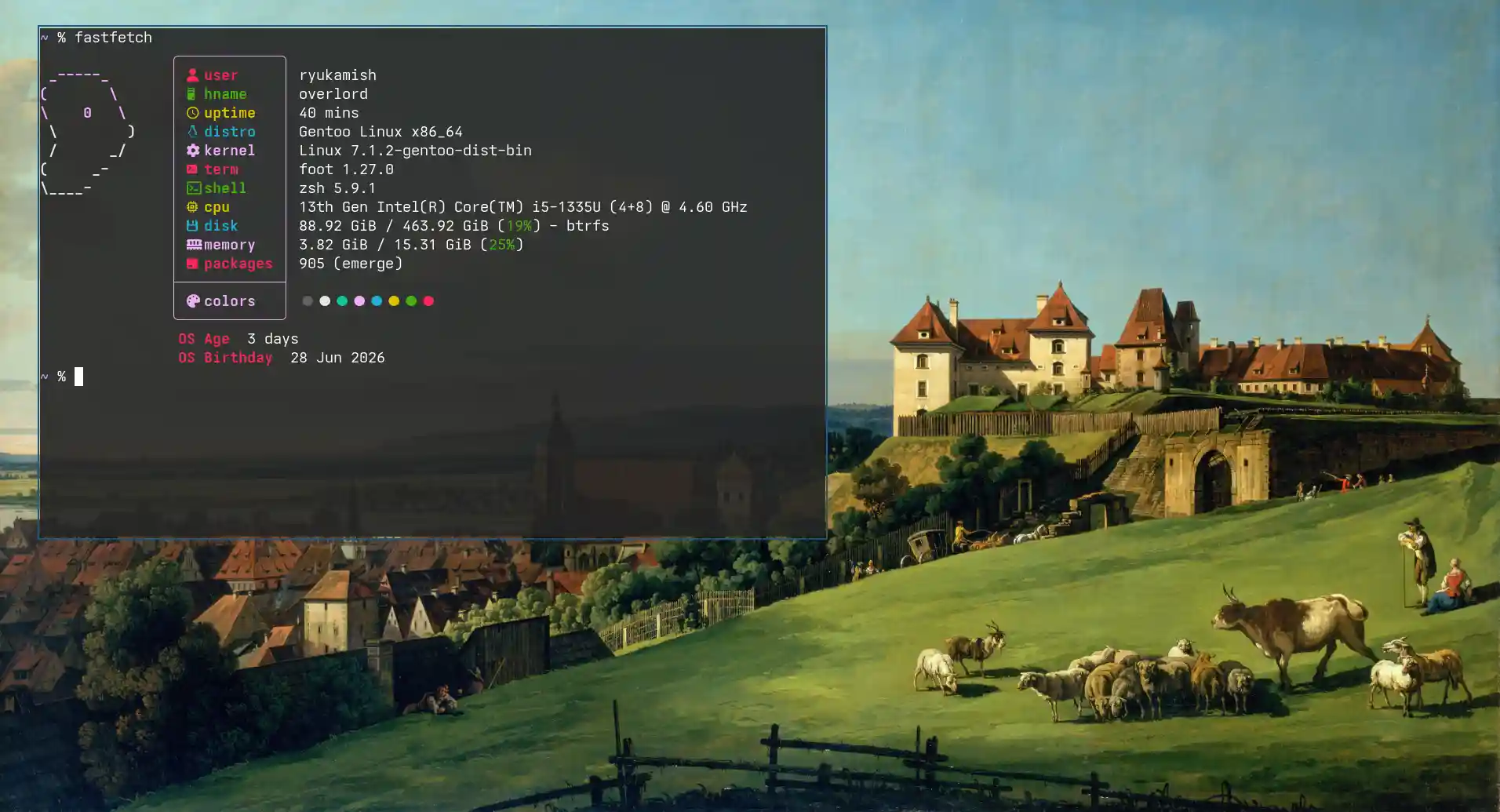
A while ago I just made the switch from Arch to Gentoo. It took me 3-4 days to get to a functional system with graphical interface.
Getting to a tty only took a day which was quick tbh. I followed the Gentoo wiki with another guide from マリウス Gentoo installation . He used the hardened version of Gentoo in his install guide.
One of the many powerful features of Gentoo is USE flags. They include or exclude what the binary of a program has. Like if someone is not using desktop environments KDE or GNOME one can exclude them from the build with USE flags. Another example is excluding systemd from a OpenRC init system. I primarly switched to Gentoo because of USE flags.
There is this annoyance when using separate USE flags for every individual package. This creates manual maintenance for packages’ USE flags and dependencies. I’ve let go of this as a new user to Gentoo. It was too much work to see the dependencies and manage the USE flags for different versions of the packages.
I went with the --autounmask-write and dispatch-conf for managing packages. This is the least headache and at the end of the day a functional system is what I want not following an idle blindly.
The package manager is written in Python. It’s generally slow to run but the compile times take longer than the language to execute the file in /usr/bin. It’s a single file of ~100 lines.
I’ve generally found out that searching for packages is slow with emerge. Say, for example, if you want to search for gentoo-kernel package. It takes around ~1-2 seconds to look for the package in the repository and give back some output. One second or two isn’t that bad to be honest but when trying to search for packages continuously it becomes a hassle.
I’m also not saying that other package managers are fast or faster than emerge but it becomes a rhetorical question of what package manager is the best.
This one is tricky as systemd used to manage audio and bluetooth in Arch Linux. Gentoo provides a script called gentoo-pipewire-launcher
which should be started when graphical display starts. The best way when using Sway is to launch it with a script which will have all the variables.
Also, there was an update to pipewire which added a new sound-server USE flag which could be found on the Gentoo website
or through eselect news read. It enables/disables the sound capabilities of Pipewire. It was done mostly to resolve the conflict between Pulseaudio and Pipewire. There was an unintentional migration from Pipewire to Pulseaudio and vice-versa. Basically, to resolve the taking control over the audio without the user knowing.
As the Pipewire dependency is growing with time needed for crucial functionality like screen casting, etc.
Let’s say, for example, there is a package which you want to install and it’s not available in the Gentoo and GURU overlay. Also, it has something to do with the kernel like adding a module for you laptop. Building these packages can be a pain not because it’s difficult but to make sure it works as expected dependencies have to be resolved.
In my case, I was installing a module for my MSI laptop but adding modules to the kernel requires recompiling it with those kernel flags. I’ve been using the binary version of the kernel which most probably has the support built in but a source compiled kernel will need to be recompiled.
I’ve also built packages from source which are not in Gentoo repos. They didn’t seem to have any issues but other applications which only provide the binary version can have issues. Some applications require cups to be installed. The application doesn’t have anything to do with printing services but still it requires the package to be installed.
Published on and updated on in Posts tagged with gentoo linux thoughts