A guide on using ProtonVPN on Sway without the GUI app. How to make it work on Sway window manager.
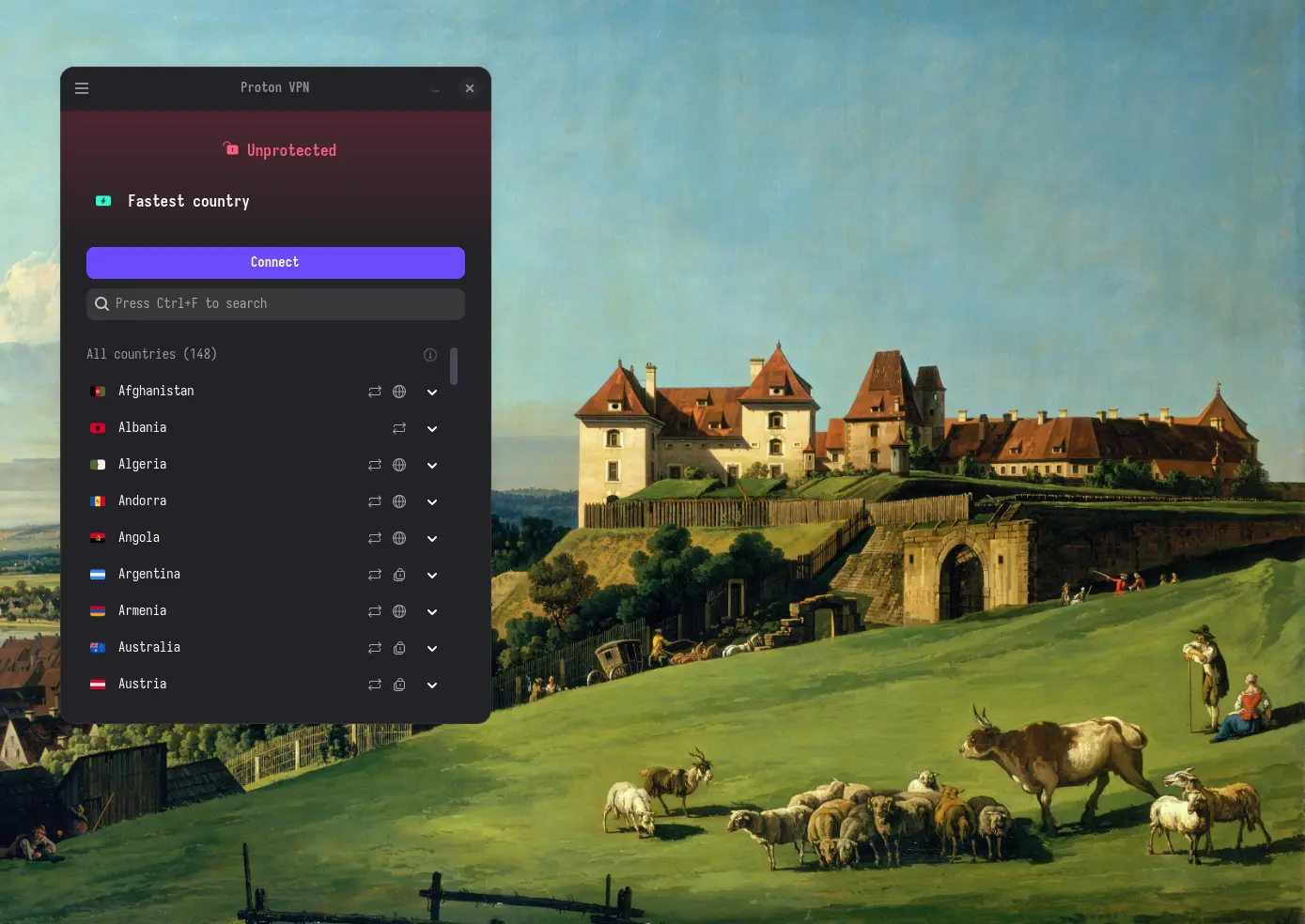
I have been using ProtonVPN for a year now. I have also used it on Windows. The better used operating systems i.e. Windows and MacOS have a decent app which lets you connect to different countries. The app experience on Linux is also great if on a Desktop Environment like KDE Plasma or GNOME. I also used it on Hyprland and Niri and it worked as expected. But, on Sway everything changes from just works to make it work. It’s more work to get Sway working.
It matters how it’s launched. If proper variables are not given there can be
some programs which will not launch. Also, launching with dbus-run-session gives
a lot of problems. I was launching it with dbus and gnome-keyring autostart
didn’t worked properly. It would always prompt me for a password for a default
keyring. Launching it without dbus fixes the issue. I fixed the issue with
running it without dbus.
Using wireguard is the better way of connecting to a vpn. I say so because it doesn’t require a dependency on a keyring and most of the times it just works. Ironically, GUI apps have OOBE but here in the Linux world a terminal command is the better way of doing the same thing as far my opinions are concerned.
On Arch, wireguard can be installed with pacman -S wireguard-tools.
The Arch wiki
provides more details, tips and tricks and
troubleshooting guides.
As for Gentoo
, it can be installed with emerge --ask net-vpn/wireguard-tools
The Gentoo wiki
has more info on compiling flags, USE
flags and other troubleshooting guides. Include +wg-quick USE flag to compile with the command to control the connection.
Get the conf file from the VPN provider which contains the private key and public key which will allow a secure connection between the server and the client. It also contains the DNS, Address, Endpoint, etc.
Put the conf files in /etc/wireguard directory with preferred name. Make the names easier to type as the name without the extension name will be used to connect through wireguard.
Now, use the command wg-quick up <name> to connect to the wireguard instance. It will require root privileges to use this command.
Using a GUI app on systems with no desktop environment and is DIY like Sway one could avoid all the headache of dependency, environment variables and auto start programs. I’ve spent hours on solving the keyring issue for ProtonVPN with gnome-keyring but something or the other fails. As for my VPN connections I only use one out of 4 to 5 VPNs at a time. So having options is good but not needed for my use case.
Another thing to consider is the use of dnscrypt-proxy and dnsmasq
with wireguard. Most of the times doesn’t work. I got it working for already visited webpages but not able to connect to a search engine or any other webpage which I haven’t visited already.
Published on and updated on in Guides tagged with linux arch gentoo vpn networking